Vexa
Vexa

Download VPN for macOS
Install the VPN app and activate access through your personal account.
App screenshots
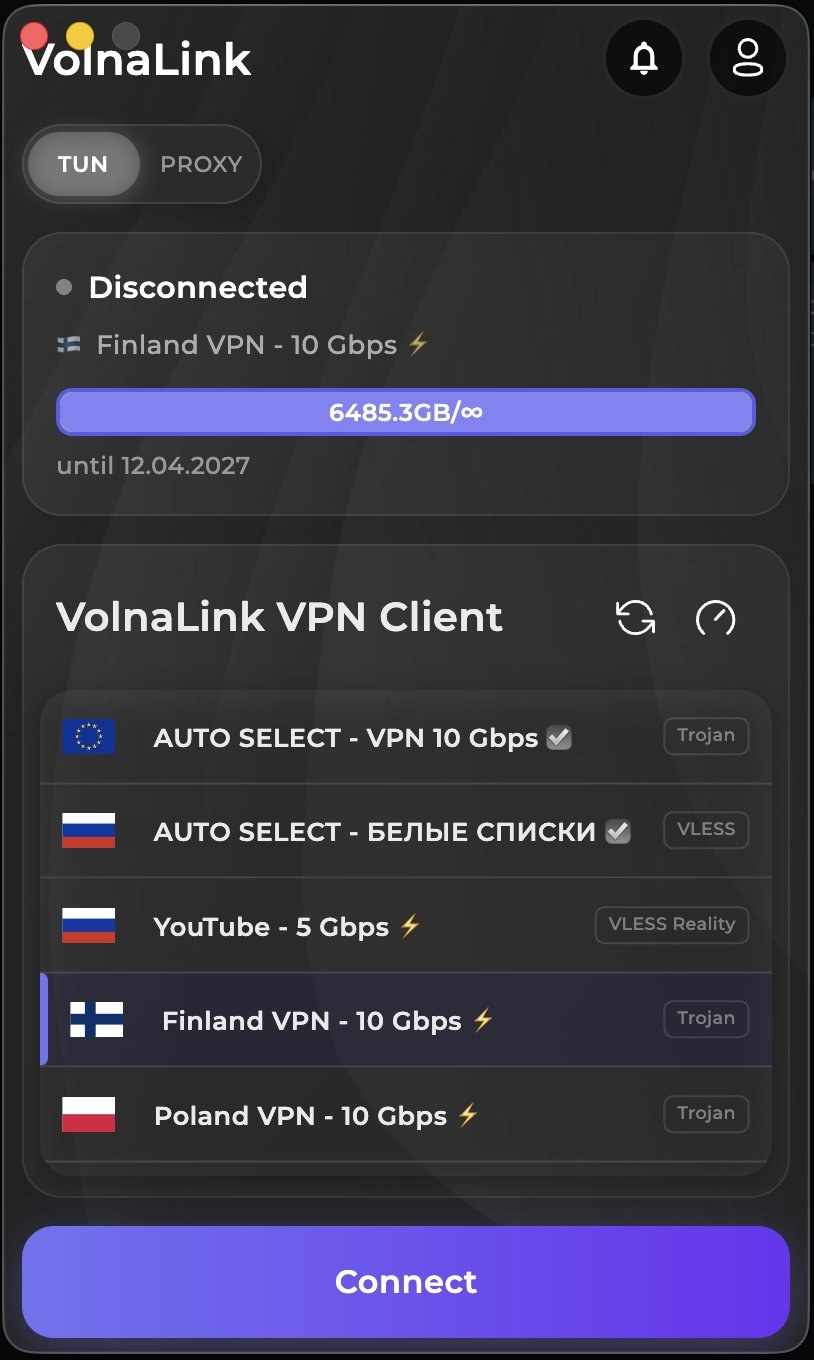
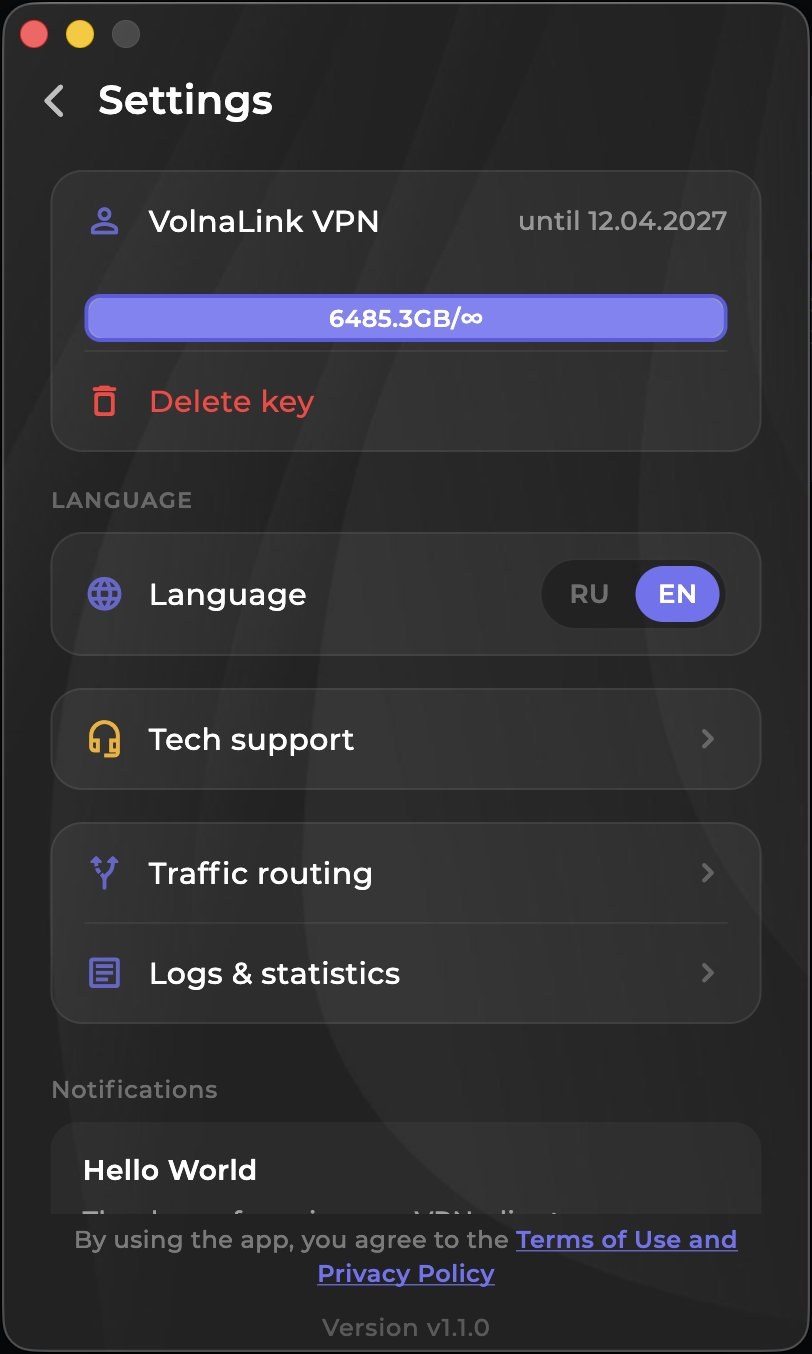
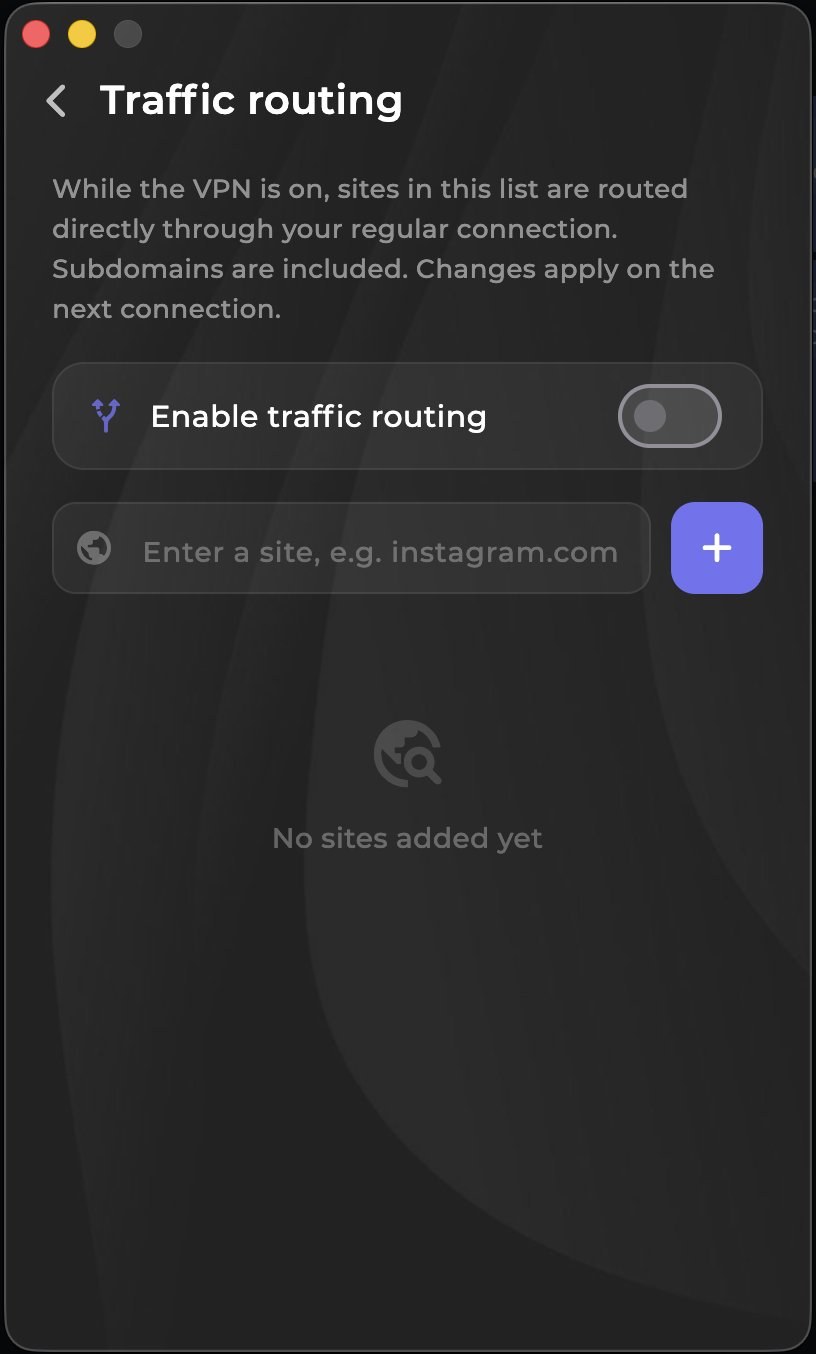
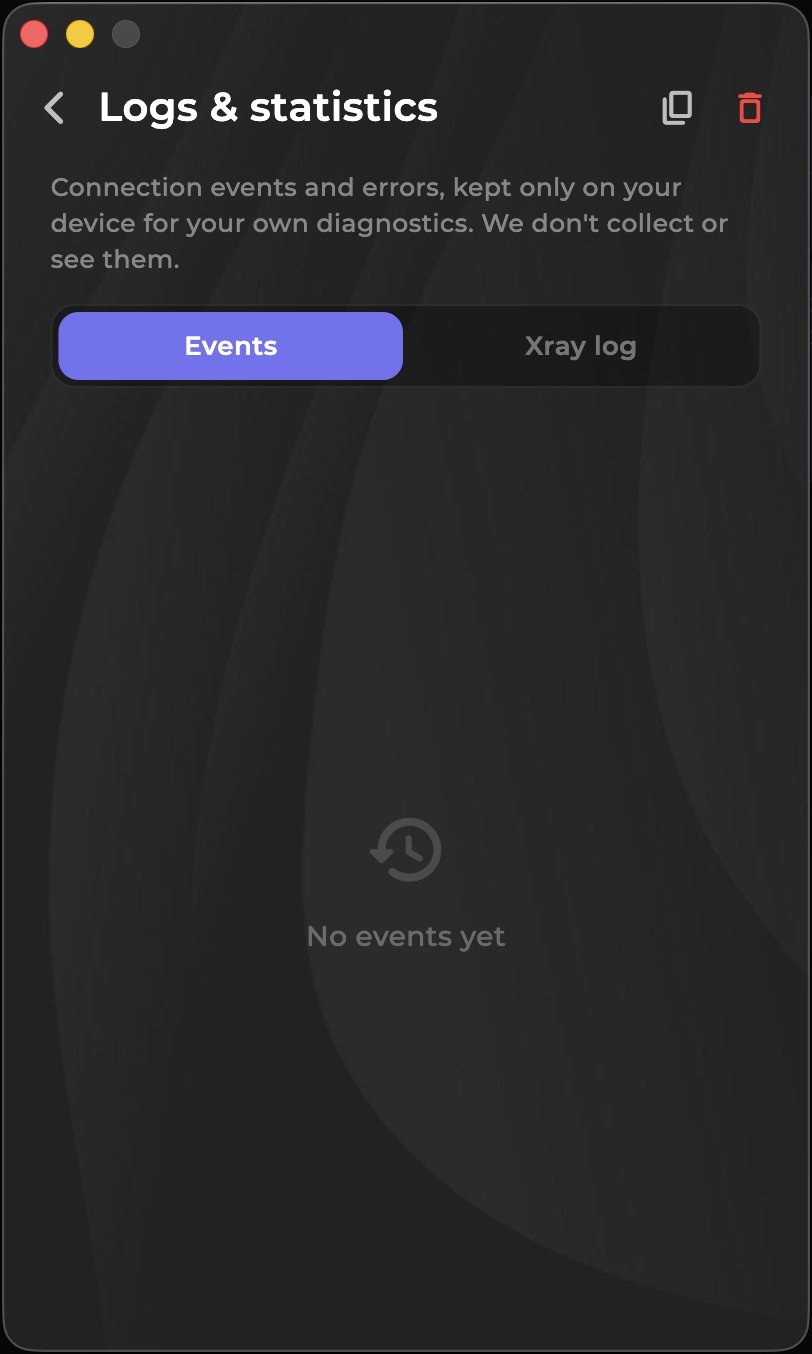
About the app
The Vexa app for macOS runs natively on Intel and Apple Silicon. Modern VLESS Reality, Trojan and Hysteria 2 protocols and stable speed for everything you do.
Specifications
How to get started
Create an account
Sign up in your personal account. The first 8 hours are free, no bank card required.
Get and install the app
Install the macOS version from the App Store or download the DMG with the button above. One build covers Intel and Apple Silicon.
Activate access
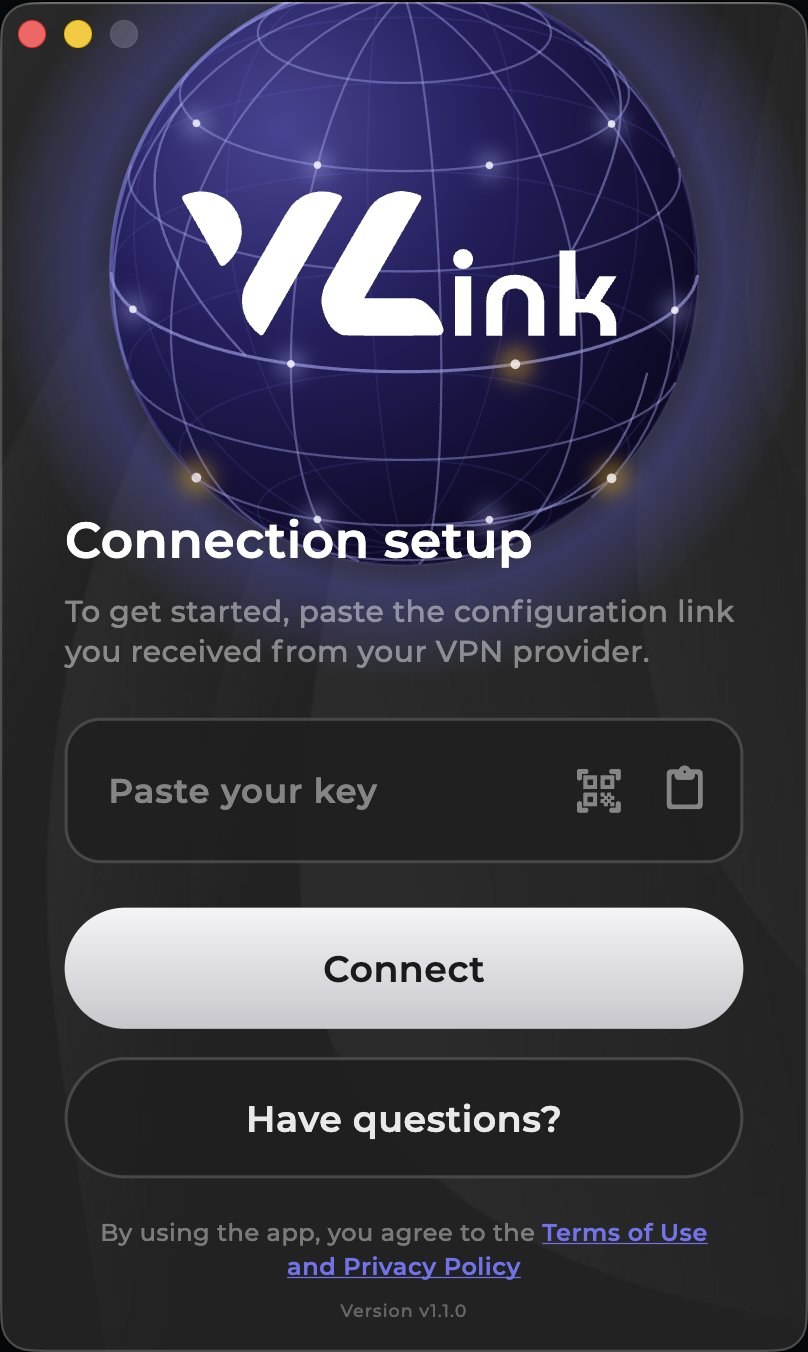
On first launch paste your subscription key into the key field and press Connect. macOS may ask permission to add a VPN configuration — confirm it.
Choose a country and connect
Pick a country in the server list and press Connect.
Common issues
- Open a couple of sites without the VPN to confirm your internet works on its own.
- Make sure the date and time on your device are set automatically.
- Turn off any other VPN app or an old system VPN profile.
- Update Vexa VPN to the latest version from the same source.
- Pick another available location and connect again.
Frequently asked questions
Is the app free?+
The first 8 hours are free with no card required. After that the app works on a subscription that covers every country and platform.
Which protocols are supported?+
VLESS Reality, Trojan and Hysteria 2 — the app picks the best one for a fast, stable connection.
Can I use one account on several devices?+
One subscription lets you use the VPN on supported platforms and connect up to three devices at the same time. To connect a new device, disconnect an unneeded active connection or use the access management option provided in your personal account.
How do I install the app?+
Register in your personal cabinet, download the app for your platform, add a subscription and connect. Four simple steps.